解决方案Solutions
按你的算力和合规要求,
选一种部署方式Deploy the way your compute and compliance require
两种方式用的是同一个控制台、同一个网关、同一个客户端。区别只在模型在哪里运行。
Both shapes use the same Console, the same gateway and the same client. The only difference is where the models run.
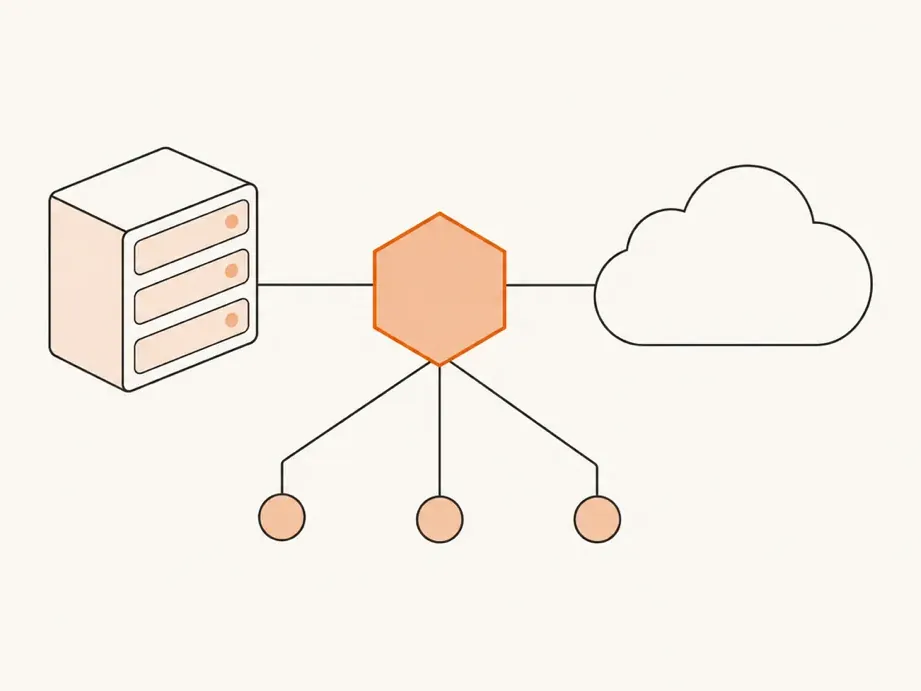
本地 + 云Local plus cloud
企业机房放一台 GPU 主机。控制台、模型网关和本地模型都运行在这台主机上,再按需接入云端模型。
A GPU box sits in your server room. The Console, the model gateway and the local models all run on it, and you add cloud models as you need them.
适合这样的团队A good fit when
- 希望代码和对话在本地模型上处理,不出企业网络。
- 已有 GPU 主机,或计划为团队配置一台。
- 日常用本地模型,特定任务再用云端模型补充。
- You want code and conversations handled by local models that never leave your network.
- You have a GPU box, or plan to set one up for the team.
- Local models cover daily work, with cloud models added for specific tasks.
本地 + 云Local plus cloud
现场一台 GPU 主机,再接入云端模型
A GPU box on site, with cloud models added
 统一网关Gateway
员工Employees
本地模型在控制台的本地算力页启动和停止。
Start and stop local models on the Console's Local compute page.
纯云Cloud only
控制台和模型网关部署在企业自己的一台云服务器上,只接云端模型。不需要采购硬件。
The Console and the model gateway run on a cloud VM in your own account, with cloud models only. No hardware to buy.
适合这样的团队A good fit when
- 还没有 GPU 硬件,想先让团队用起来。
- 可以使用云端模型服务,但希望账号、额度和审计由企业自己管。
- 团队分布在多地,需要一个公网可达的控制台。
- You have no GPU hardware yet and want the team working now.
- Cloud model services are acceptable, but you want to own accounts, quotas and audit.
- Your team is spread out and needs a Console reachable over the internet.
纯云Cloud only
一台云服务器,只接云端模型
One cloud VM, cloud models only
统一网关Gateway
员工Employees
云端模型在控制台的模型与供应商页添加。
Add cloud models on the Console's Models and providers page.
并排比较Side by side
| 本地 + 云Local plus cloud | 纯云Cloud only | |
|---|---|---|
| 控制台和模型网关Console and model gateway | 企业现场的 GPU 主机The GPU box on site | 企业自己的云服务器Your own cloud VM |
| 本地 GPU 模型Local GPU models | 有Yes | 无No |
| 云端模型Cloud models | 按需接入Added as needed | 有Yes |
| 需要的硬件Hardware | 一台 GPU 主机One GPU box | 不需要None |
| 单点登录、额度、用量、审计SSO, quotas, usage, audit | 有Yes | 有Yes |
| 客户端Client | 同一个安装包,员工用企业码或控制台地址连接The same installer; employees connect with an enterprise code or the Console URL | |
| 谁来部署和管理Who deploys and manages it | 企业自己Your enterprise | |
没有互联网的内网环境也能用:员工输入控制台地址,或用一键连接链接,不需要查企业目录。
Networks with no internet access work too: employees enter the Console URL or use a one-click link, with no directory lookup.